Uploading charging data, now fully automatic
Export your charging sessions from your CPO portal and upload them in your dashboard. From now on those files are processed fully automatically • read out, checked and de-duplicated, with no wait for manual review.
 Ruben Stolk· Co-founder~2 min read

Today 50five emailed customers about an upcoming password reset. If you connected your charger to Joulo through your CPO login, a reset like that can briefly interrupt the automatic sync. A good moment to show something we have been building.
With us you were never tied to a single route. Alongside the automatic sync, you could always upload your charging sessions as a file in your dashboard. What changes now: that file is processed fully automatically. No queue, no manual review on our end • you upload your export and your sessions appear in your dashboard.
What changes
Until now we reviewed every upload by hand before the sessions counted. Safe, but slow • sometimes days. Not anymore. The processing recognises your export format itself, reads out the sessions and prepares them for registration with the NEa.
Concretely:
- Read out automatically. Whether your export comes from a 50five / EVC-net portal, your charger brand's app or another CPO portal • the columns are recognised without you mapping anything. CSV, XLSX, it does not matter.
- De-duplicated automatically. Sessions we already pulled in through your sync are not counted twice. Uploading on top of an existing connection is safe.
- Overlaps blocked. A session that overlaps one already registered is held back. No double kWh, no double ERE.
That last point matters more than it sounds. ERE registration has to stay auditable • every kWh once, traceable to the measurement. The automatic processing guards that for you, so fast also stays clean.
From your CPO portal
You do not have to give us your CPO password for this to work. Log in to your charger provider's portal, export your sessions for the period you want, and drop that file into your dashboard under Laaddata aanleveren (submit charging data). Done.
For 50five / EVC-net customers that is handy: a password reset does not touch your upload. You simply export and upload yourself. The same goes for any other portal that lets you export your charging sessions.
Why this is yours to do
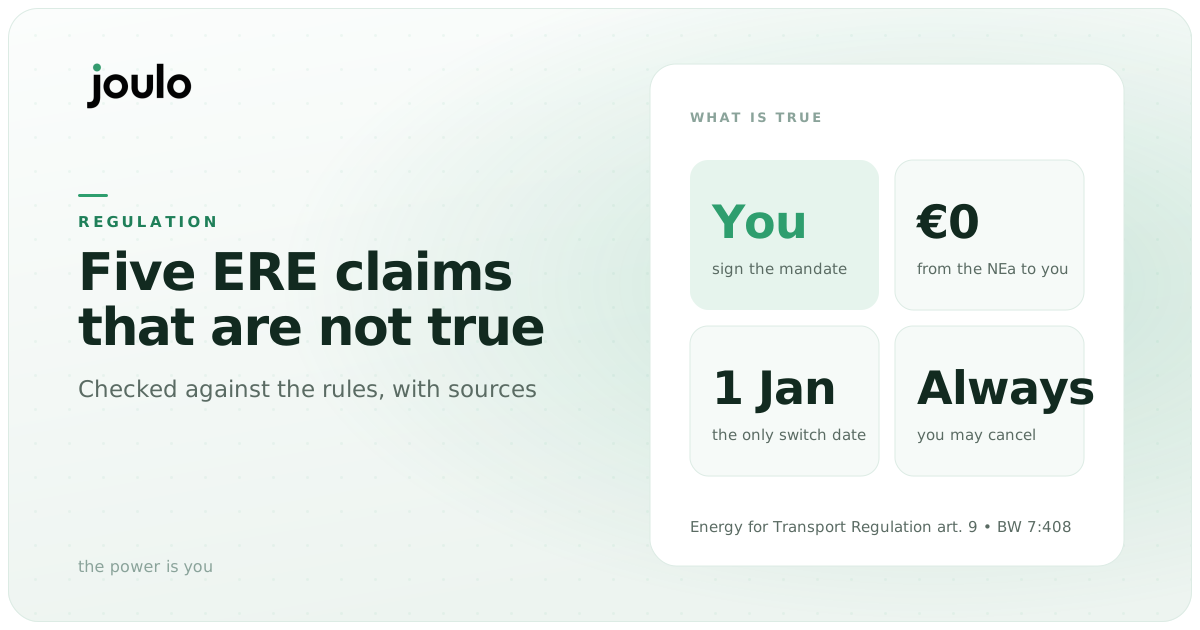
Under Dutch regulation, ERE credits belong to the holder of the energy contract on the connection • to you as the resident, not your CPO. The kWh that passes through your connection is yours, and so are the credits that come from it. Which route you use to get that data to your registrar is your call.
The automatic sync stays the easiest path: set it up once, then it runs on its own. But the upload is the floor that always works. No API going dark, no reset, no uncooperative CPO can get in the way.
How to use it
- Open your dashboard
- Export your charging sessions from your CPO portal or app (CSV or XLSX)
- At your charger, click Laaddata aanleveren and upload the file
- The sessions are read out, checked and added automatically
No automatic connection yet? We would rather set that up for you, so you never have to upload again • connect your charger. If that does not work for your brand yet, the upload is a full alternative.
Compare routes
Want to compare routes on fee and terms? Compare ERE registrars.
About the author
Co-founder of Joulo and builder of the platform. Previously Capptions (compliance infrastructure). Writes about engineering, integrations and MID meters.

About Joulo
Joulo is an ERE booking service provider for residential charging sessions.
34,000,000 MID kWh this year (forecast)
The ERE backend for CPOs and energy companies, under their own brand.
White-labelJoulo B.V. • NEa-registered • in line with RED III
Newsletter
Stay in the loop
The occasional email on ERE, chargers and earning from home charging. No spam, unsubscribe anytime.
Earn on every kWh you charge at home
Connect your charger once. We register your sessions and pay out every quarter. 20% service fee, cancel yearly.