Expense your home charging sessions — now one click from your dashboard
For business drivers, lease drivers and freelancers: download a PDF statement or CSV export with your own kWh price, ready for your employer or accountant.
 Johan Trip· Co-founder~2 min readUpdated 22 Jun 2026
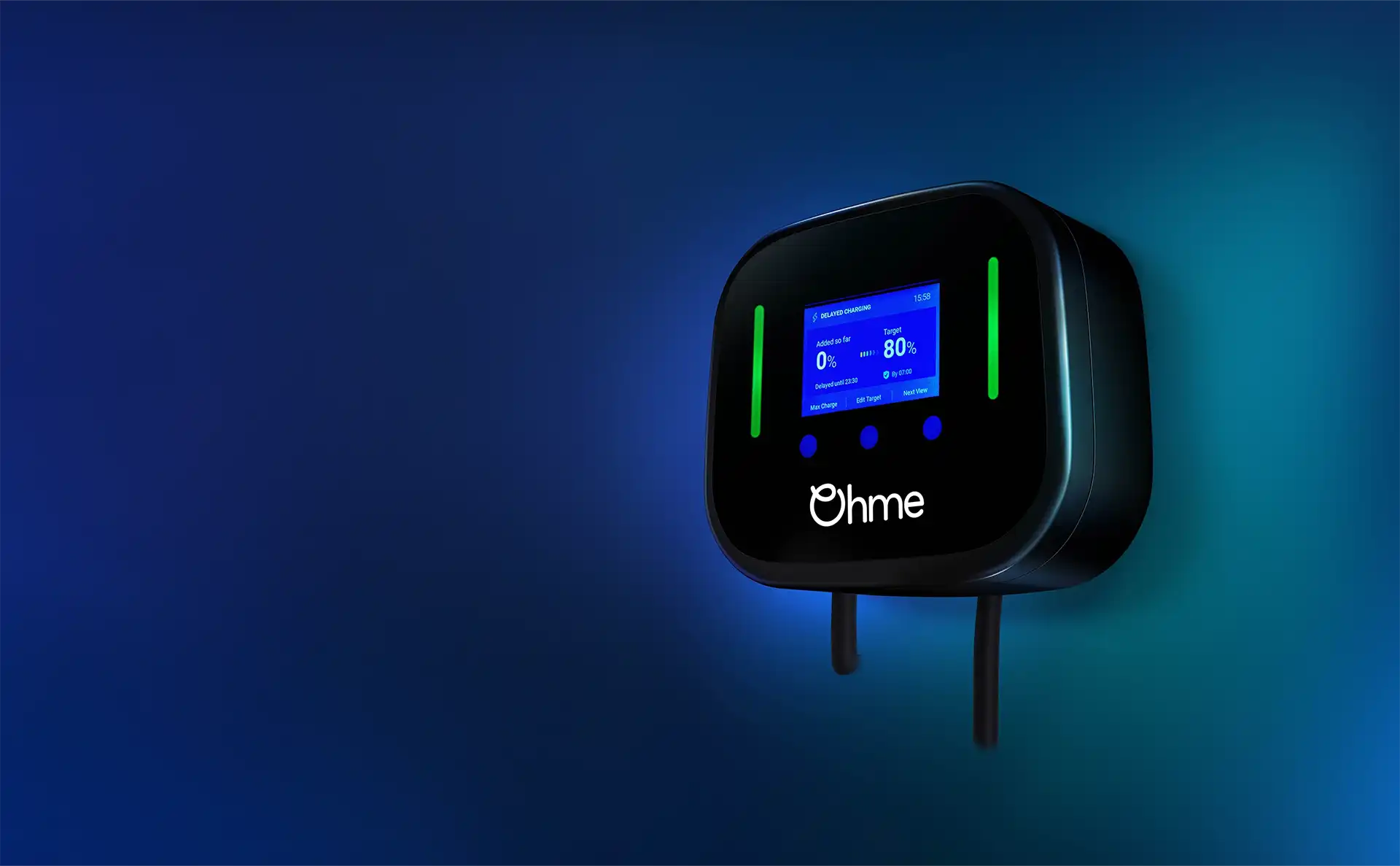
There is a new download button in your dashboard. Next to every charger, you can now export your charging sessions as a PDF or CSV • ready to file with your employer or import into your bookkeeping.
It sounds small, but for anyone expensing home charging to a business, this is exactly where every month sneaks away two hours: getting the table right, converting kWh to euros, formatting the attachment so HR will accept it. That is now one click.
What you get
A PDF titled "Vergoeding thuislaadsessies" (home-charging reimbursement) with your name and address as the bill-to recipient, the charger, EAN, and every session in the period with start and end time and delivered kWh. Fill in a kWh price and a total amount drops out as well. Employers and accountants can work with that without you having to touch Excel.
Want it rawer? Pick CSV. Same data, ready for Excel formulas or automated import into your accounting package.
Who this is for
- Business drivers expensing home-charged kWh to their employer monthly
- Lease drivers with a kWh allowance through their lease or employer arrangement
- Freelancers and sole traders booking home-charging kWh as business energy costs
For all three: previously you needed either a clunky spreadsheet, or a manual photo of your meter reading. Not anymore.
How it works
- Open your dashboard
- Click the download icon next to your charger
- Pick a period • quick selects for this month, last month, this quarter or last quarter, or set a custom date range
- Enter your average kWh price and choose PDF or CSV
- Download and send
Joulo stores the price per charger so you don't re-enter it. No fixed rate? Use the average from your most recent annual statement, or leave the field empty to export kWh only.
A thought behind the feature
We built Joulo from January as infrastructure: ERE registration runs in the background, you get money in your bank account every quarter. But we noticed in practice that many customers want a separate expense statement for their employer alongside the ERE payout.
That's a different problem. The ERE payout goes to you as the owner of the connection. The employer expense is about what the employer owes you for business-charged kilometers. Two different flows, with the same charging sessions as their basis.
We already had the data • it would have been a waste not to put it to work for this as well. Hence.
Multiple drivers on one charger
If your charger uses RFID cards for different drivers, the statement includes a Tag column. That way you split at a glance which sessions were yours and which belonged to your partner or a second driver. No more manual sorting before you file the attachment.
Not on Joulo yet?
The export works for any charger connected to Joulo • OCPP, Tesla via Fleet API, Easee Cloud, Wallbox, Alfen, Zaptec, Smappee, V2C, Volt Time and Enphase. Signing up takes a few minutes at joulo.nl/en/signup, and your first sessions typically appear in your dashboard within 24 hours.
Read the details on the feature page or open your dashboard.
About the author
Co-founder of Joulo. Previously EV infrastructure at KPN and ServiceHouse. Writes about ERE, energy and regulation.

About Joulo
Joulo is an ERE booking service provider for residential charging sessions.
34,000,000 MID kWh this year (forecast)
The ERE backend for CPOs and energy companies, under their own brand.
White-labelJoulo B.V. • NEa-registered • in line with RED III
Newsletter
Stay in the loop
The occasional email on ERE, chargers and earning from home charging. No spam, unsubscribe anytime.
Earn on every kWh you charge at home
Connect your charger once. We register your sessions and pay out every quarter. 20% service fee, cancel yearly.