Manage your charger without a subscription (2/3): manage your charge cards yourself
Part 2 of 3. Manage your charge cards yourself in Joulo: approve or block tags, give them a name and colour, and put your charger on a whitelist.
 Joulo· Editorial~2 min readUpdated 10 Jun 2026
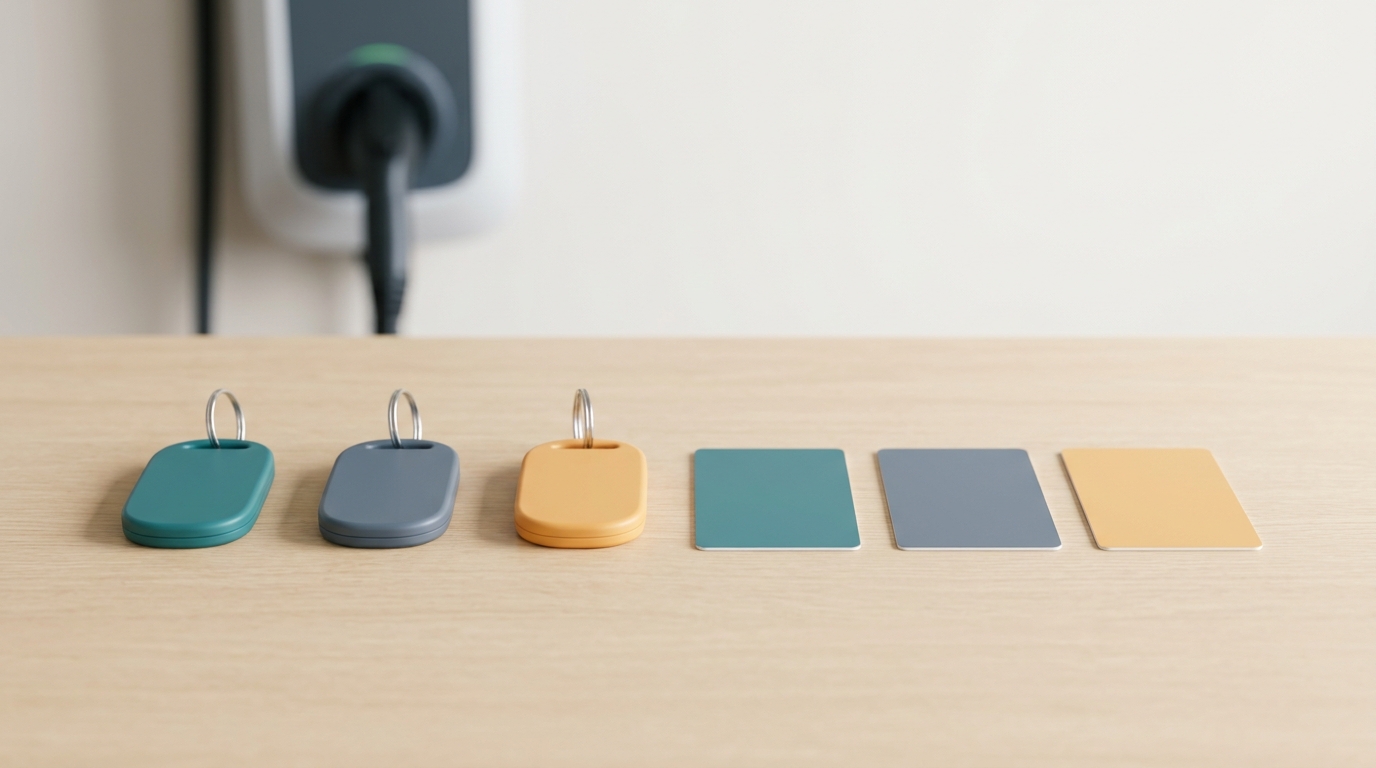
Part 2 of 3 in the series Manage your charger without a subscription. Part 1 covered connecting automatically via OCPP. Now: your charge cards.
Several people often charge at one charger: you, your partner, a second car, sometimes a visitor. A charge card (a tag in your dashboard) keeps that apart. In this part you'll see how to manage your tags yourself under Tag authorization • no subscription, no separate management portal.
Your tags appear automatically
The moment someone taps a card at your charger, that tag shows up in the list. You don't enter anything in advance • if it's still empty you'll see "No tags yet. Swipe a tag at the charger to approve it here." A new tag waits for your approval.
What you do per tag
- Approve or block. Approve a tag so it may charge, or block one you don't recognise.
- Give it a name. Call a tag "Tesla", "Partner" or "Second car" • easier to find than a long code.
- Pick a colour. Each tag gets its own colour, so your session overview shows at a glance who charged what.
Who may charge?
Two settings together decide who gets power. At the top is the Allow charging without a tag switch: turn it on and any car you plug in charges, no card needed • handy at home behind a closed gate. Turn it off and a tag is required.
Below that, under Tag authorization, you choose:
- All tags • any tag may charge.
- Allowed tags only • only the tags on your whitelist charge. Handy if your charger sits on the street or driveway and you don't want an unknown card pulling power.
Adding a new tag in five minutes
Click "Approve next tag (5 min)". The button turns into "Tap the new tag now" with a countdown. The next card you present at the charger is approved in one go • after that the window closes by itself. That way you add a driver without typing a code.
Why this matters
Anyone with several drivers on one charger wants two things: control over who may charge, and the sessions cleanly separated. Tag management handles both. And it's the basis for the final part: once your tags have a name, you can attach a price and pull a tidy invoice from them.
Previous: Part 1 • Connect via OCPP, the rest runs by itself. Next: Part 3 • Per-card pricing and invoicing.
About the author
The Joulo team. ERE booking service provider for home charging sessions. the power is you • platform for electric driving.

About Joulo
Joulo is an ERE booking service provider for residential charging sessions.
34,000,000 MID kWh this year (forecast)
The ERE backend for CPOs and energy companies, under their own brand.
White-labelJoulo B.V. • Own account with the NEa • in line with RED III
Newsletter
Stay in the loop
The occasional email on ERE, chargers and earning from home charging. No spam, unsubscribe anytime.
Earn on every kWh you charge at home
Connect your charger once. We register your sessions and pay out every quarter. 20% service fee, cancel yearly.